 OFF THE CLOCK
Start the 2D arrow puzzle · Open the 3D cube · Play without a timer
What happens when you open the game?
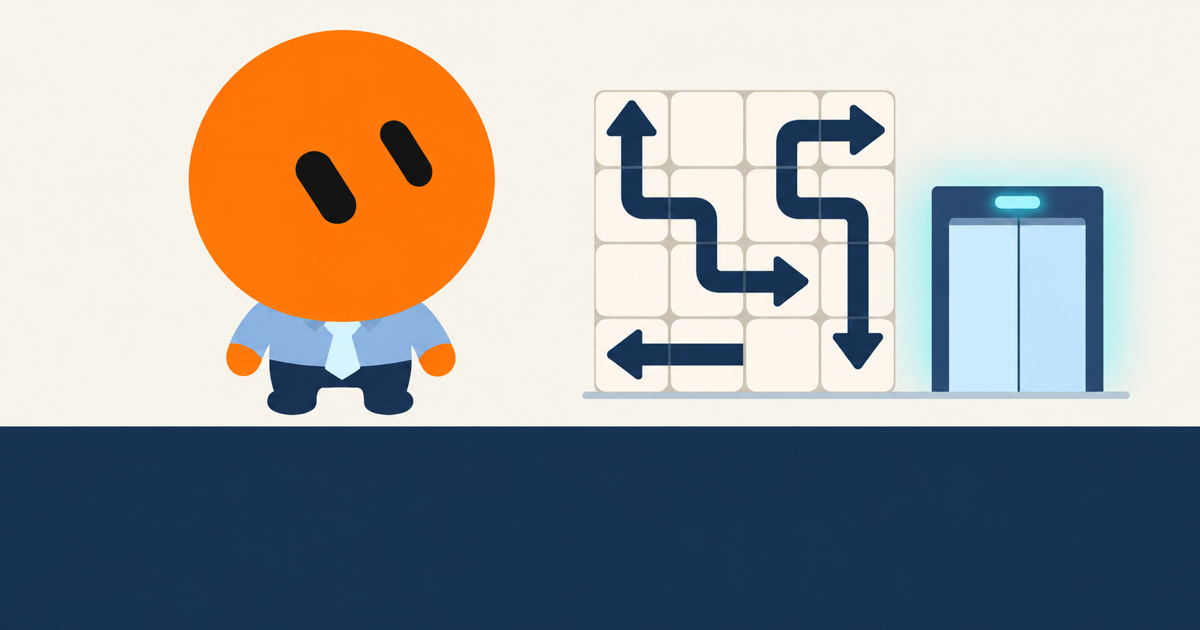
You land on a playable board. There is no registration form, app-store visit or payment step before the first move. Find an arrowhead, check that its exit is clear, and tap the piece to send it away.
The homepage opens Cube. If a six-sided board feels like a lot to take in, Flat keeps the same basic rule on one plane. Its three-arrow practice example is a smaller place to learn before tackling a full level.
The optional analytics choice is separate from playing. You can decline it and still use the game.
Choose a board, rather than another account
| Mode | What you are solving | Help available |
|---|---|---|
| Flat | A 2D board of winding arrows; 30 main levels and 6 challenges | Free Hint and Undo in the game menu |
| Cube | A rotatable six-faced cube; 30 campaign levels | Free Hint and Undo, zoom and Fit |
| Shift | 45 linked-arrow puzzles; removing a piece turns others | Free Undo, three strategy hints per attempt and free recovery from an unsolvable position |
Flat and Cube show elapsed time. Shift has no timer, but its choices need more planning: a clear exit can change other arrows into unhelpful directions. If that happens, open Hint for recovery and confirm before it takes moves back. Recovery also works after the three strategy hints are used up.
Does “no download” mean I can play offline?
No app installation is required, but the website still needs to load. Use an internet connection to open the game and fetch its puzzles. Off The Clock does not offer a complete offline mode.
You can add a shortcut to your phone’s home screen for convenience. That gives you another way to open the site; it does not turn it into an offline app. The home-screen guide explains the setup and the saving limitations.
How does saving work without signing up?
Progress is stored in the browser you use. Return on the same device, in the same browser, while that site data is still available. You do not need an account to keep your unlocked levels.
There are a few practical limits:
- Another browser is another save. Opening the site in Chrome does not automatically bring over progress from Safari.
- Clearing site data can erase progress. Save a backup first if you want to keep your Flat or Cube campaign.
- Private browsing is not a reliable place for a lasting save. Its storage may disappear when you close the private session.
- A new phone does not receive the old save automatically. There is no cloud account or automatic cross-device sync.
Flat and Cube share progress export and import in the Levels panel. Keep the exported backup somewhere you can find it before moving browsers. Shift uses a separate local save and is not included in that backup. See privacy and saved progress for the details.
Can I play on my phone?
Yes, in a modern mobile browser. Flat lets you zoom and move around the board. Cube adds drag-to-rotate controls. In Shift, select an arrow to preview its route and linked turns, then press Leave to confirm.
Larger Shift boards may need horizontal scrolling on a narrow screen. If your main priority is seeing the whole puzzle easily, try Flat first and adjust its zoom.
Do I have to finish a level in one visit?
No. Stop when your break is over and return in the same browser later. Your saved progress depends on that browser keeping the site data. Before clearing storage or moving to another device, export a Flat/Cube backup; Shift has its own local save.
Open Flat and try a move. If the first arrow will not leave, check the piece in front of its head. There is no need to register before finding out whether you like the puzzle.