 OFF THE CLOCK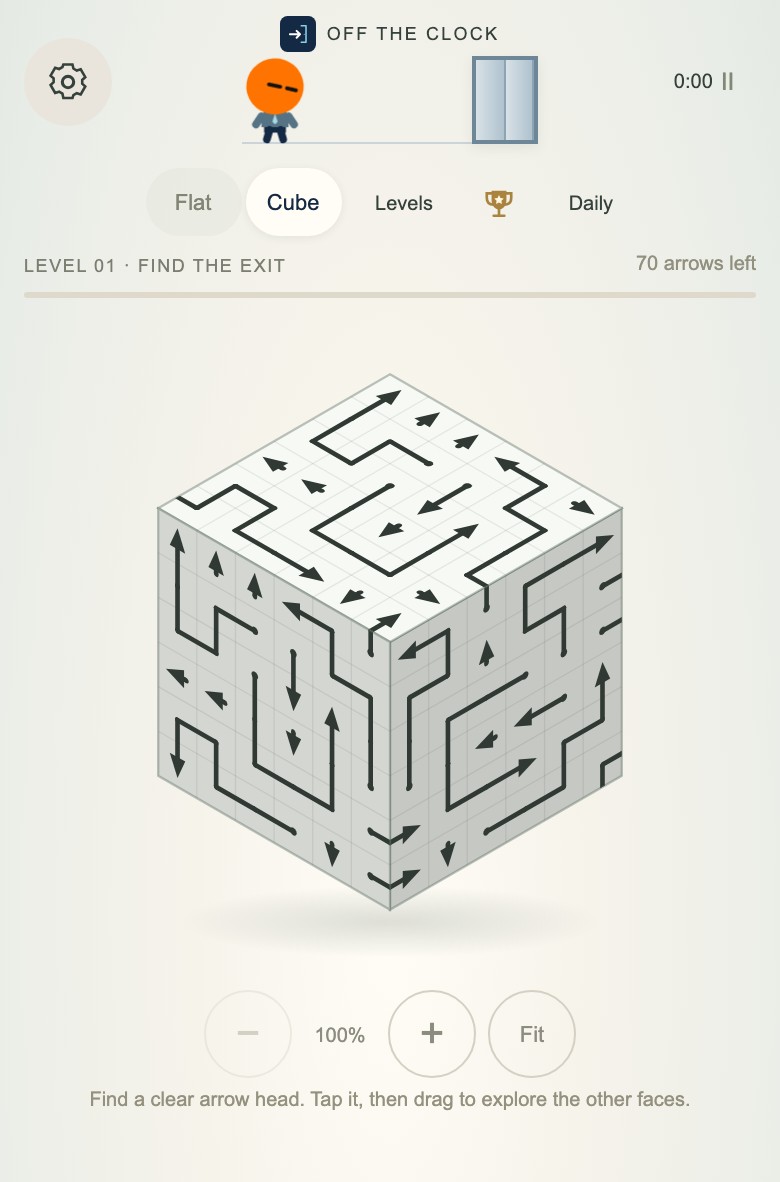
This is still the free browser arrow puzzle — you’re not installing a mystery APK. You’re bookmarking the real site in a home-screen costume.
Before you start
- Open the live game: clockoutpuzzle.floradevs.com (or / if you’re already there).
- Use a normal mobile Safari or Chrome session — not an in-app browser inside another social app if you can help it. In-app browsers often hide the install menu.
- Play one level first so you know you’re on the right site. Flat is a gentle check: /flat.html.
- If you want to keep that progress, open Levels → Export progress and save the JSON backup before adding the icon.
iPhone / iPad (Safari)
- Open the game in Safari.
- Tap the Share button.
- Choose Add to Home Screen.
- If shown, keep Open as Web App on. Keep the name short (Off The Clock is fine), then tap Add.
With Open as Web App enabled, you’ll get an icon that opens the puzzle in its own window. It still lives on the web; it just feels less like “where did I leave that tab.” If Add to Home Screen is missing from the share sheet, check Edit Actions. See Apple’s current iPhone steps.
Android (Chrome)
- Open the game in Chrome.
- Tap the ⋮ menu.
- Choose Add to home screen. Depending on your Chrome version and the site options, you may see Install app or Create shortcut.
- Follow the prompt and confirm. A shortcut may open in Chrome rather than a separate app window.
If the option is missing, make sure you’re in full Chrome, then check Google’s current Android shortcut steps. Menu wording and availability vary by device and browser version.
What about progress?
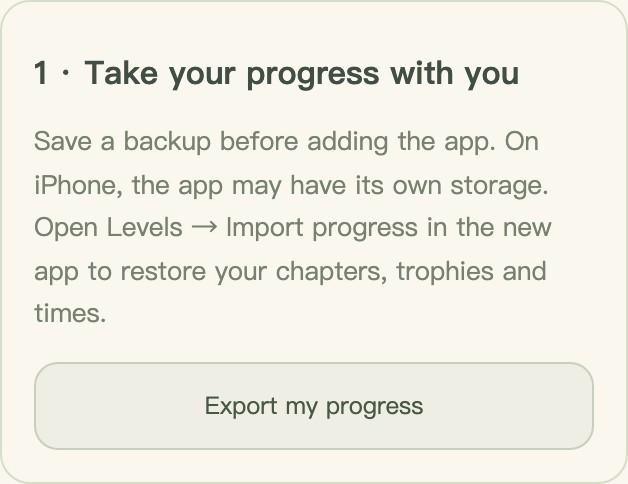
Treat the home-screen icon as a door to the same site, but don’t assume it brings your save along. On iPhone, the Home Screen app may use its own storage. Before adding it or switching phones, use Levels → Export progress. Open the new icon, go to Levels → Import progress, and choose that JSON file if your progress is missing.
There’s no automatic cloud sync. Progress lives in that browser or app; clearing its site data can remove the local save. Keep the exported file if you want a backup. For a clock-out puzzle, local progress on the phone you actually use is usually enough.
Online reality check
You still need a normal network path to load and play the hosted game. Home screen ≠ magic offline arcade. If the train tunnel kills your connection, the icon won’t invent levels out of thin air.
Why bother?
Because the whole point of Off The Clock is short sessions. The fewer taps between “I have three minutes” and “arrow cleared,” the more often you’ll actually play instead of opening something louder.
Once the icon is there, open it, clear a board, close it. If you’re brand new to the rule, keep how Flat works handy — then get back to playing.