 OFF THE CLOCK
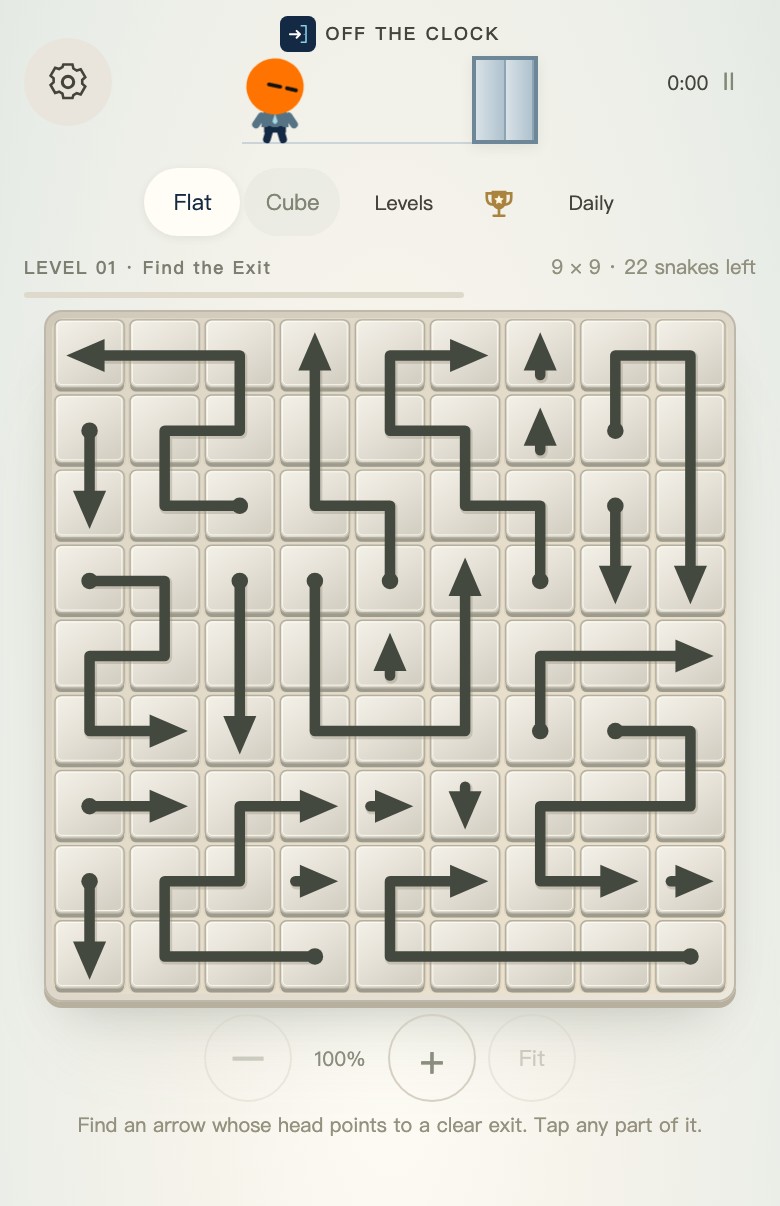
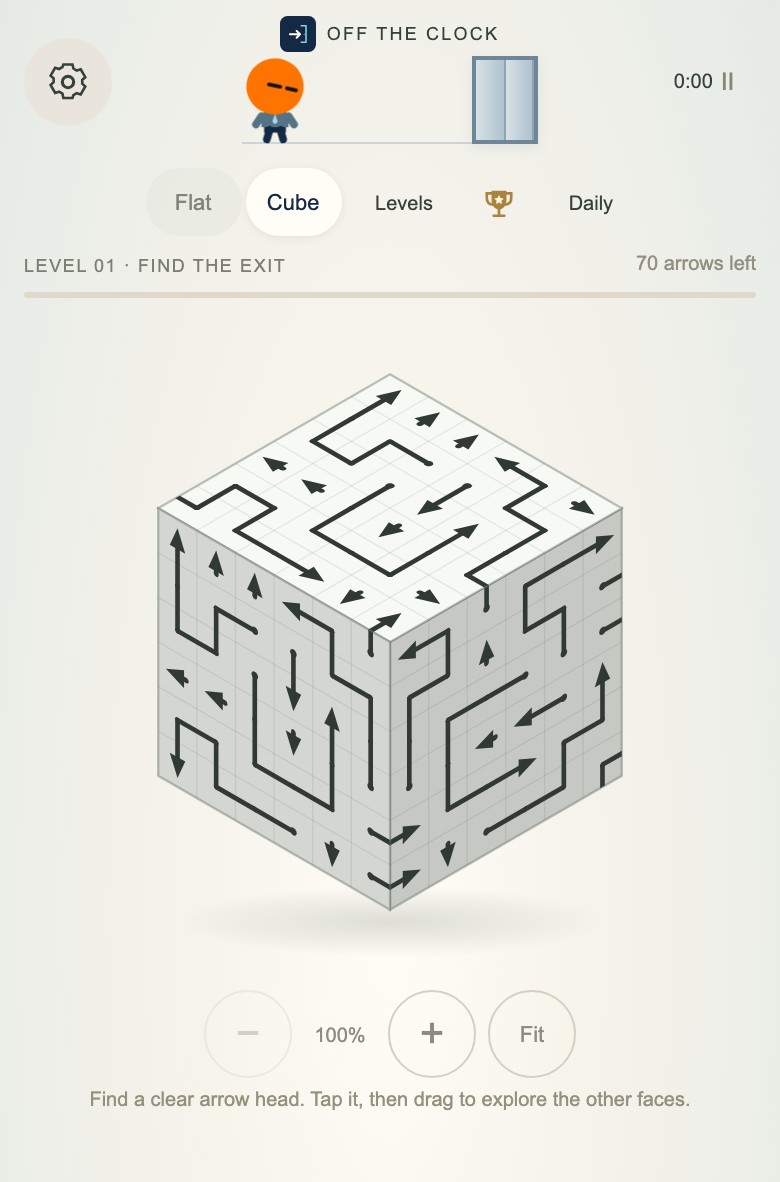
You can switch between them whenever you like. Shift, the third mode, asks a different question: what happens when releasing this arrow turns the ones left behind? Save the Shift guide for when you want to try that twist.
Flat: everything is in front of you
Flat is a 2D board. Arrows sit on a plane. You can read lanes without rotating anything in your head first.
Good for:
- Learning how to spot a clear exit
- Short breaks when you don’t want spatial gymnastics
- Building a personal best without fighting the camera
If you still need the mechanic spelled out, use How flat arrow puzzle works then jump straight into play.
Cube: take a look around the corner
Cube keeps the clearance rule. You’re just solving it across faces of a cube. You’ll rotate, reorient, and double-check which way an arrow is actually facing before you tap.
Good for:
- When Flat clears feel automatic
- People who like “wait… which face am I on?”
- Slightly longer sessions where the puzzle is the view and the pathing
Turning the cube doesn't change the puzzle or move the arrows. It just gives you another angle. If you've lost track of the view, Fit brings it back to the starting position. If you searched for a 3D arrow cube you can play in the browser, Cube is that mode.
A practical starting order
The difference at a glance
| Mode | What changes after a move? | Help when you're stuck |
|---|---|---|
| Flat | One arrow leaves the 2D board; other arrows keep their directions. | Free Hint and Undo. |
| Cube | One arrow leaves the six-faced board; rotating only changes your view. | Free Hint and Undo; turn the cube to inspect hidden faces. |
| Shift | One arrow leaves and its listed links turn 90° clockwise. Order can affect whether you can finish. | Undo, three strategy hints per attempt, and free recovery for an unsolvable board. |
For the reasoning behind safe removals in Flat and Cube, see can arrow puzzles become unsolvable?. The same rule does not carry over to Shift.
Try the views in this order
- Open Flat. Clear two or three levels until the free-path habit sticks.
- Try Hint if you want help spotting the next clear piece.
- Open Cube and spend a moment turning it before making a move.
- If you'd rather return to the flat board, switch back. You can come back to Cube later.
Shared comfort features
Both modes have free Hint and Undo, unlock the next level when you finish, and keep personal best times. A blocked tap costs no move. Your progress stays in this browser on this device, so you can leave a board and come back without starting the campaign over.
So which one today?
- Four minutes before a call: Flat.
- Curious and slightly competitive with yourself: Cube after a Flat warm-up.
- Just want a free browser arrow puzzle now: either works — start on the play home or go straight to Flat.
Off The Clock is built for that “I’m still here, but my brain checked out” window. Pick the view that matches how much attention you actually have left.